

DBeaver là database client universal miễn phí #1 cho dev VN — kết nối 80+ database, SQL editor modern, ER diagram. Thay thế DataGrip $199, MySQL Workbench, pgAdmin, Navicat trong 1 tool. Bài cover setup MySQL/PostgreSQL, ER diagram, SSH tunnel, so sánh với DataGrip/HeidiSQL.
DBeaver 2026 — database client #1 cho dev cross-database
DBeaver Community Edition là database GUI client mã nguồn mở tốt nhất 2026 — kết nối 80+ database trong 1 app. Miễn phí (Apache 2.0), cross-platform (Windows/Mac/Linux), dev team Séc maintain 15+ năm. Thay thế: DataGrip $199/năm, Navicat $799 one-time, MySQL Workbench, pgAdmin, SQLyog. Feature đầy đủ: SQL editor autocomplete, data editor inline, ER diagram, import/export, SSH tunnel, query history. Commercial Enterprise Edition $149/năm thêm: NoSQL (MongoDB, Cassandra advanced), cloud (AWS RDS visual), data transfer tool. Nhưng Community đã đủ cho 90% dev VN.
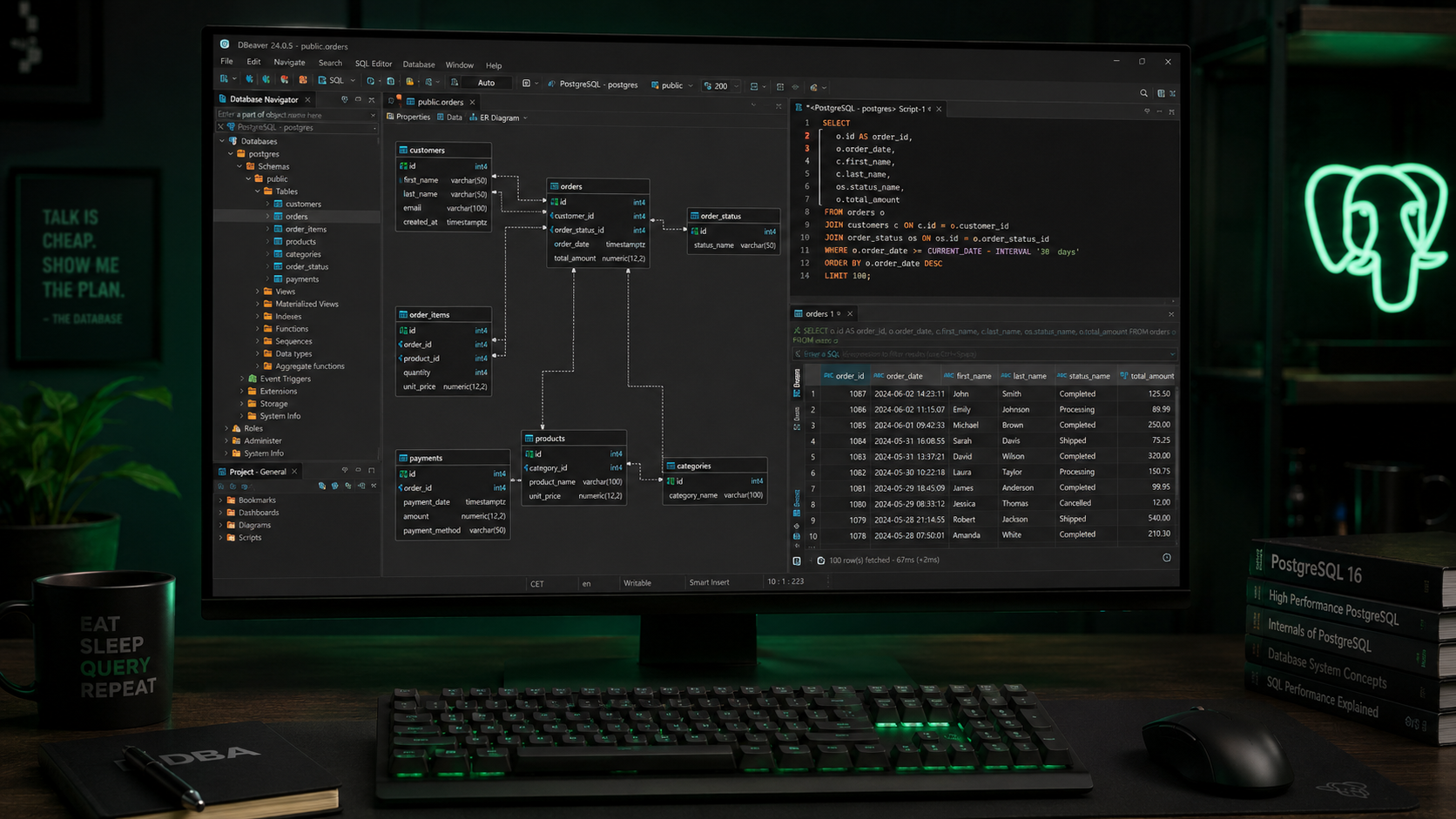
So sánh DBeaver với alternative 2026
| Tiêu chí | DBeaver CE | DataGrip | Navicat | HeidiSQL | MySQL Workbench |
|---|---|---|---|---|---|
| Giá | Free | $199/năm | $799 one-time | Free | Free |
| Platform | Win/Mac/Linux | Win/Mac/Linux | Win/Mac/Linux | Windows | Win/Mac/Linux |
| Multi-database | ✅ 80+ | ✅ All JetBrains DB | ⚠️ Per-DB license | ⚠️ MySQL/MariaDB | ❌ MySQL only |
| UI modern | ⭐⭐⭐⭐ | ⭐⭐⭐⭐⭐ | ⭐⭐⭐⭐ | ⭐⭐⭐ | ⭐⭐⭐ |
| ER diagram | ✅ | ✅ | ✅ | ✅ Basic | ✅ |
| AI SQL | ⚠️ Plugin | ✅ AI Assistant | ❌ | ❌ | ❌ |
| Performance | ⭐⭐⭐⭐ | ⭐⭐⭐⭐⭐ | ⭐⭐⭐⭐ | ⭐⭐⭐⭐⭐ | ⭐⭐⭐ |
Khuyến nghị: - Dev VN free budget: DBeaver Community — đủ 90% task. - JetBrains IDE user (IntelliJ, WebStorm): DataGrip $199 — AI assist + UI polish. - MySQL-only light: HeidiSQL (Windows free, nhẹ nhất). - Enterprise + support: Navicat Premium $799 one-time.
Setup DBeaver kết nối MySQL/PostgreSQL 10 phút
- 1 Tải DBeaver CE (3 phút): dbeaver.io/download. Yêu cầu Java 17+ (installer Windows kèm JRE). File 120MB.
- 2 Connect MySQL local (2 phút): Database → New Database Connection → MySQL → Next → nhập Host (localhost), Port (3306), Username, Password → Test Connection. DBeaver auto-download MySQL JDBC driver.
- 3 Connect PostgreSQL (2 phút): Database → New → PostgreSQL → Host + Port 5432 + DB name + credentials.
- 4 Connect production qua SSH tunnel (3 phút): New Connection → tab 'SSH' → enable → nhập SSH host + user + key path → Test. DBeaver tunnel TCP qua SSH.
- 5 Browse schema (1 phút): Expand connection tree → databases → tables → right-click 'View Data' hoặc 'Edit Data'. Edit row inline, Save button commit transaction.
- 6 Run SQL query (1 phút): SQL Editor button → gõ query → Ctrl+Enter execute. Multi-tab cho query khác nhau.
Ctrl+Space autocomplete. Ctrl+Enter run query. F4 view table structure. Ctrl+Shift+E execute current statement only. Ctrl+Shift+F format SQL.
Use case DBeaver cho dev full-stack VN 2026
- 1 Inspect schema project legacy: Connect production DB, expand table tree, ER diagram visualize relationship. Hiểu schema trong 30 phút thay đọc migration 100 file.
- 2 Export data backup: Right-click table → Export → CSV/JSON/SQL insert. Backup ad-hoc nhanh.
- 3 Migrate data giữa DB: Tools → Database Transfer → source DB → target DB → map column. Copy 1M row trong phút.
- 4 Debug production issue: SSH tunnel vào prod DB → query slow log → identify bottleneck. Read-only safe mode bật để tránh accident UPDATE/DELETE.
- 5 Generate ER diagram cho doc: Right-click schema → Generate ERD → export PNG/PDF. Include trong technical doc.