
qBittorrent là torrent client #1 miễn phí 2026 — thay thế uTorrent (chèn ads + crypto miner từ 2018). Mã nguồn mở, UI giống uTorrent cổ điển, full feature: search engine, RSS, Web UI remote. Bài cover setup, integrate VPN, tối ưu speed, các tracker public phổ biến.
qBittorrent 2026 — torrent client thay thế uTorrent mặc định
qBittorrent là BitTorrent client mã nguồn mở tốt nhất 2026 — thay thế uTorrent hoàn toàn sau khi uTorrent bị chèn ads + cryptocurrency miner từ 2018. UI similar uTorrent cổ điển (dev VN quen thuộc), feature đầy đủ: search engine tích hợp, RSS auto-download, Web UI remote control, scheduler, sequential download, encrypted connection. Cross-platform Windows/Mac/Linux. Free 100%, không ads, không tracking, không bloatware. v5.0 (2024) thay qt5 → qt6, UI modern hơn.
qBittorrent vs uTorrent vs Transmission vs Deluge
| Tiêu chí | qBittorrent | uTorrent | Transmission | Deluge |
|---|---|---|---|---|
| Giá | Free | Free (ads) / Pro $20 | Free | Free |
| Ads | ❌ | ⚠️ Ads + miner | ❌ | ❌ |
| UI | ⭐⭐⭐⭐ Classic | ⭐⭐⭐ | ⭐⭐⭐⭐ Minimal | ⭐⭐⭐ |
| Search engine | ✅ | ❌ Pro only | ❌ | ✅ Plugin |
| RSS | ✅ | ✅ | ❌ | ✅ Plugin |
| Web UI | ✅ Modern | ✅ | ✅ | ✅ |
| Platform | Win/Mac/Linux | Win/Mac | Win/Mac/Linux/NAS | Win/Mac/Linux |
Recommend 2026: qBittorrent cho 90% user. Đã stable, ads-free, feature equivalent uTorrent Pro. Transmission nếu thích minimal UI + dùng NAS Synology/QNAP.
Setup qBittorrent 10 phút + kết hợp VPN
- 1 Cài qBittorrent (2 phút): qbittorrent.org/download. Installer 30MB. Cài 'Typical'.
- 2 Config connection (3 phút): Tools → Options → Connection:
- 3 Bandwidth scheduler (2 phút): Tools → Options → Speed → Scheduler. Download full speed 22h-06h, throttle 50% giờ làm việc.
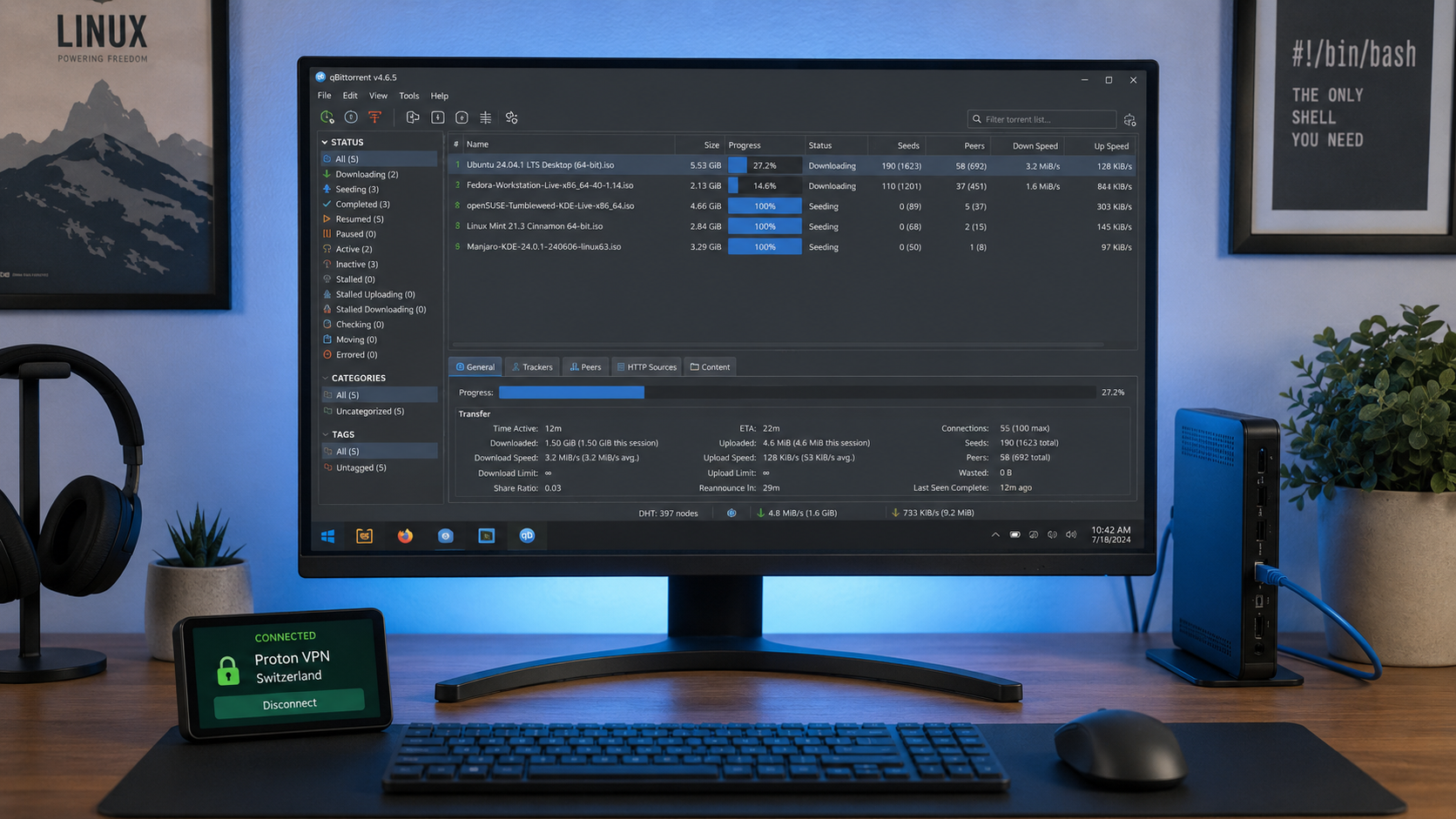
- 4 VPN integration (optional, 3 phút): qBittorrent → Options → Advanced → Network Interface → chọn VPN adapter (NordVPN, Mullvad, ProtonVPN tun0). Chỉ tải qua VPN, ISP không thấy traffic.
-
5
Web UI remote (2 phút): Options → Web UI → enable port 8080 + username/password → access
http://<IP>:8080. Control qBittorrent từ phone/other machine.
Torrent bản thân không illegal, nhưng tải content bản quyền là. Use case legal: Linux distro (Ubuntu, Fedora ISO), open-source software, Creative Commons media, academic research. Tải bản quyền (phim, game, software crack) = violation Luật Sở Hữu Trí Tuệ VN 2022.
Use case hợp pháp tại Việt Nam — cho developer và content creator:Torrent thường gắn với hình ảnh tiêu cực ở VN, nhưng có nhiều use case 100% hợp pháp mà qBittorrent cực hữu ích — đặc biệt với developer + content creator quan tâm đến tốc độ và tính phi tập trung.
4 use case thực tế hợp pháp: 1. Tải ISO Linux distro: Ubuntu, Fedora, Debian, Arch — tất cả đều có magnet link torrent chính thức. Tốc độ thường nhanh hơn HTTP mirror do P2P. Ví dụ Ubuntu 24.04 LTS ISO 5GB qua torrent xong trong 3-5 phút (mạng FPT/VNPT gói 100Mbps), HTTP mirror Singapore mất 8-15 phút. 2. Học máy + dataset nghiên cứu: Dataset như Common Crawl, ImageNet, LAION-5B — distribute qua academic torrent (academictorrents.com). File 50-500GB qua HTTP mirror không thực tế, torrent chuẩn industry. 3. Open-source build artifacts: LibreOffice install kit, Blender release, Krita portable — tất cả có torrent magnet song song HTTP. Mirror VN của các project này hiếm, torrent là cách hợp lý. 4. Content Creative Commons + Public Domain: Internet Archive distribute hàng nghìn film/documentary public domain qua torrent. Cộng đồng VN trong nhóm Facebook 'Phim cổ điển VN' chia sẻ phim VN trước 1975 đã hết bản quyền — pháp lý OK.
Combo với NAS Synology/QNAP: Nếu bạn có NAS, cài qBittorrent qua package center (Synology DSM 7.x → Package Center → Community → DownloadStation/qBittorrent). NAS chạy 24/7, seed lại community torrent giúp bandwidth open-source community. Bandwidth NAS share giới hạn (vd 5MB/s upload) — không ảnh hưởng work mạng nhà. Workaround ISP throttle: Một số ISP Việt Nam (Viettel, VNPT) throttle port BitTorrent default (6881-6889). Đổi port qBittorrent → random 50000+ (Tools → Options → Connection → Port used for incoming connection). Combine với VPN trusted (Mullvad $5/tháng, ProtonVPN free) cho privacy. Không dùng VPN free — đa số log traffic + bán data.