
Obsidian là app ghi chú #1 2026 cho user yêu thích markdown + privacy — file lưu local, không lock-in cloud vendor. 2 triệu active user, community plugin khổng lồ. Bài cover setup Second Brain, so sánh Notion/Logseq, 10 plugin must-have cho dev + researcher VN.
Obsidian 2026 — công cụ Second Brain phổ biến nhất
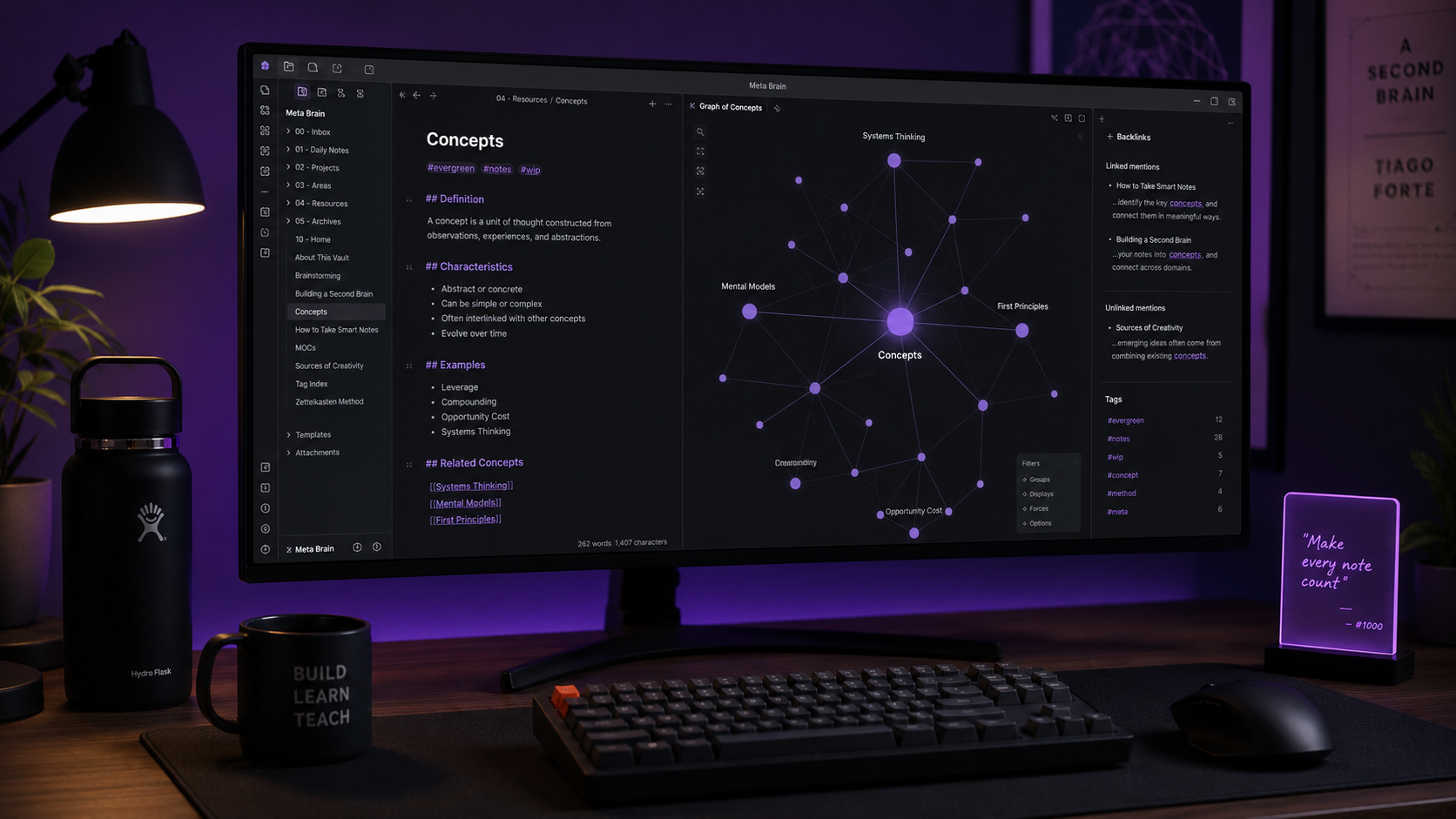
Obsidian là app ghi chú markdown local + graph view — 2 triệu active user 2026, popular cho dev, researcher, writer. Free cho cá nhân + thương mại nhỏ (dưới $50k/year), file .md lưu local (không lock-in), sync miễn phí qua iCloud/Dropbox/Git. Graph view độc đáo trực quan hóa backlink giữa note. Community 1400+ plugin. Differentiator so với Notion: local-first + markdown native. Khác Logseq: tree outline vs block outline. Version 1.8 (2025-2026) thêm: Canvas mode, Bases (database table), Web Clipper cải tiến.
Obsidian dev bởi 2 người ở Canada từ 2020, hoàn toàn bootstrapped (không VC). Business model: Sync $4/tháng (optional, tự host free được), Publish $8/tháng, Commercial $50/user/năm (trên 2 seat cần license). Cá nhân + team < $50k revenue/năm = free 100%.
So sánh Obsidian với Notion, Logseq, Roam Research
| Tiêu chí | Obsidian | Notion | Logseq | Roam Research |
|---|---|---|---|---|
| Giá | Free cá nhân | Free / $8/user | Free OSS | $15/tháng |
| File lưu | Local .md | Cloud only | Local / Graph DB | Cloud |
| Offline | ✅ Full | ⚠️ Limited | ✅ | ⚠️ |
| Collaboration | ⚠️ Manual | ✅ Native | ⚠️ | ✅ |
| Database table | ✅ Bases (new) | ✅ Best | ⚠️ | ⚠️ |
| Graph view | ✅ Beautiful | ❌ | ✅ | ✅ |
| Plugin ecosystem | ⭐⭐⭐⭐⭐ | ⚠️ limited | ⭐⭐⭐⭐ | ⭐⭐⭐ |
| Learning curve | Medium | Low | High | High |
Obsidian thắng: privacy + local-first + plugin ecosystem. Notion thắng: team collab + database + template rộng. Logseq thắng: block-based outline tốt cho daily journaling. Khuyến nghị: cá nhân researcher/dev/writer → Obsidian. Team collab → Notion.
10 plugin must-have cho Obsidian 2026
- 1 Dataview — query notes như SQL (list bài theo tag, date).
- 2 Templater — template có JavaScript logic.
- 3 Tasks — quản lý todo cross-note.
- 4 Calendar — daily note navigation.
- 5 Excalidraw — vẽ diagram trong note.
- 6 Kanban — board view cho task.
- 7 Advanced Tables — edit table markdown dễ.
- 8 Git — auto commit vault to GitHub backup.
-
9
Natural Language Dates —
@today,@next friday. - 10 Copilot (Claude/GPT) — AI chat với vault context.
Setup Obsidian Second Brain trong 30 phút
-
1
Cài Obsidian (2 phút): obsidian.md/download. Mở, chọn 'Create new vault' → đặt tên + path local (VD:
~/Documents/MyVault). - 2 Cấu trúc folder (5 phút): Tạo 4 folder cốt lõi theo PARA method:
- 3 Install 5 plugin core (5 phút): Settings → Community plugins → Turn on → Browse → install Dataview, Templater, Tasks, Calendar, Kanban.
-
4
Setup daily note template (3 phút): Settings → Daily notes → New file location:
daily/→ Template location:templates/daily.md. Template: ngày + 3 câu hỏi reflection + task list. - 5 Sync qua iCloud/Google Drive (5 phút): move vault folder vào iCloud Drive / Dropbox / OneDrive. Mở vault từ location sync. Cross-device tự động.
- 6 Hoặc Git backup (10 phút): Install plugin 'Obsidian Git'. Setup GitHub private repo. Auto commit mỗi giờ. An toàn + version history.
(1) Daily note — chỉ 5 phút/ngày, ghi nhanh. (2) Fleeting note — ý tưởng thoáng qua, revisit sau. (3) Permanent note — cleaned, liên kết vào graph. Tránh over-engineer ban đầu. Sau 3 tháng pattern tự emerge.
Use case Obsidian thực tế cho dev/researcher VN
- 1 Dev knowledge base: Note mỗi lib/framework đã dùng, snippet hay, lesson learned. Graph view giúp thấy concept liên kết.
- 2 Research paper manager: Mỗi paper 1 note với abstract, key findings, quote, link tới related paper. Thay Notion/Zotero.
- 3 Writing long-form: Outline → draft → revise trong vault. Plugin Longform quản lý project viết sách/essay.
- 4 Learning journal: Daily note + weekly review. Sau 1 năm tra cứu 'hôm đó học gì'.
- 5 Meeting note team: Note mỗi meeting, link tới project page, task extracted vào Tasks plugin.
- 6 Content creator: Idea bank cho blog/video, outline, reference link. Share team qua Git sync.