

Inkscape là vector editor mã nguồn mở mạnh nhất 2026 — thay thế Adobe Illustrator $23/tháng cho 85% use case designer VN. SVG native, bezier pen precision, cross-platform. Bài cover setup, workflow logo design, so sánh Illustrator + Affinity Designer + Figma.
Inkscape 2026 — vector editor free tốt nhất
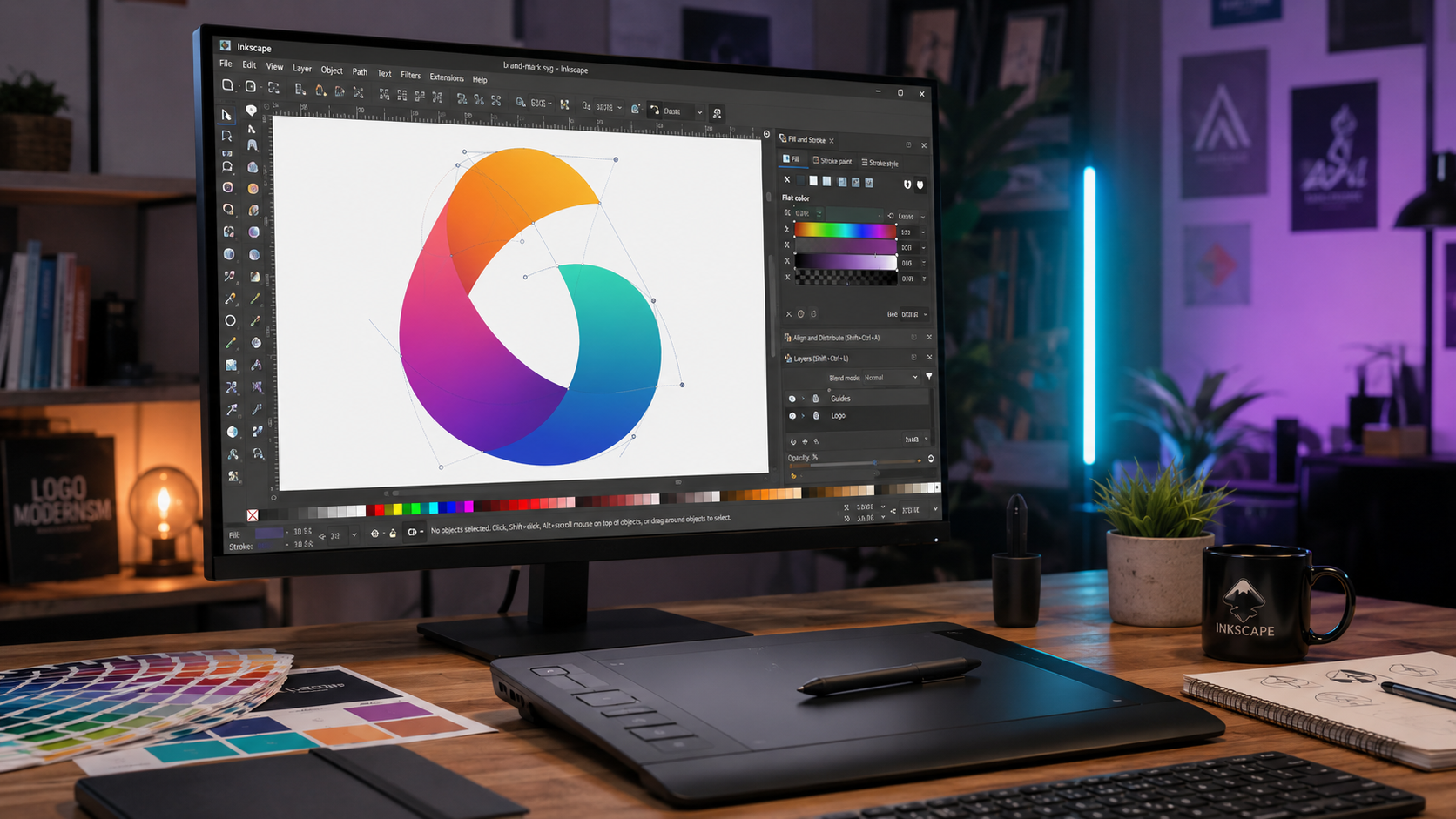
Inkscape là vector graphics editor mã nguồn mở tốt nhất 2026 — từ 2003, 20+ năm phát triển. SVG native (chuẩn W3C), import AI/EPS/PDF từ Adobe Illustrator. Feature đầy đủ: bezier pen, node editor, typography, pattern, live path effects, extensions Python. Cross-platform Windows/Mac/Linux. Miễn phí GPL. Thay thế Adobe Illustrator ($23/tháng) cho 85% use case designer VN. Version 1.4 (2024-2025) thêm: multi-page document, font collection, paste in place.
Nhược điểm so Illustrator: UX đôi chỗ kém polish, performance chậm hơn với file lớn (>5MB SVG), CMYK support qua plugin (không native). Pro printing workflow khuyến khích Adobe/Affinity.
Inkscape vs Illustrator vs Affinity Designer vs Figma
| Tiêu chí | Inkscape | Illustrator | Affinity Designer | Figma |
|---|---|---|---|---|
| Giá | Free | $23/tháng | $90 one-time | Free / $15/mo |
| Platform | Win/Mac/Linux | Win/Mac | Win/Mac/iPad | Web + Desktop |
| SVG | ✅ Native | ⚠️ Import/Export | ✅ | ✅ |
| CMYK print | ⚠️ Plugin | ✅ | ✅ | ❌ |
| Team collab | ❌ | ⚠️ | ⚠️ | ⭐⭐⭐⭐⭐ |
| Learning curve | Medium | High | Medium | Low |
| UI modern | ⭐⭐⭐ | ⭐⭐⭐⭐⭐ | ⭐⭐⭐⭐⭐ | ⭐⭐⭐⭐⭐ |
Recommend 2026: - Designer web/icon budget $0: Inkscape. - Designer pro + CMYK print: Illustrator $23/tháng hoặc Affinity $90 one-time. - Team collab + UI/UX design: Figma.
Workflow logo design Inkscape 30 phút
- 1 Setup (2 phút): File → New → Letter / A4. Tools → Preferences → Input → snap to grid enable.
-
2
Sketch concept (10 phút): Bezier pen (
B) vẽ shape cơ bản.Nnode editor fine-tune. Align (Shift+Ctrl+A) center canvas. -
3
Typography (5 phút): Text tool (
T) → chọn font (Google Fonts via font manager hoặc local font). Adjust letter spacing (tracking), kerning. 'Put on Path' cho text cong. -
4
Color (3 phút): Fill & Stroke (
Ctrl+Shift+F). Palette swatches. Save custom palette cho brand. -
5
Variation (5 phút): Duplicate (
Ctrl+D), change color — mono, reverse, horizontal. Logo usage guidelines. - 6 Export (5 phút): File → Export PNG (social/web) + SVG (scalable) + PDF (print). Include favicon 32x32, app icon 512x512 sizes.
Extensions → install: Modern Nodes (tree view node), Color tools (palette generator), Typography tools (WOFF export web font). Từ GitHub repo 'inkscape-extensions-collection'.
Inkscape trong thị trường freelance design Việt Nam:Với designer freelance VN mới (1-3 năm kinh nghiệm), Adobe Illustrator $23/tháng ~ 580.000 VNĐ/tháng là khoản chi đáng kể khi income chưa ổn định (5-15 triệu VNĐ/tháng). Inkscape lấp đầy 70-80% nhu cầu thiết kế web/icon/illustration cho client SME — và client không quan tâm bạn dùng tool gì, chỉ quan tâm file output .svg, .png, .pdf chuẩn.
Combo Inkscape + Krita + GIMP miễn phí thay Adobe Creative Cloud:
| Tác vụ | Inkscape | Krita | GIMP | Adobe equivalent |
|---|---|---|---|---|
| Logo + icon vector | ✅ chính | — | — | Illustrator |
| Digital painting + concept art | — | ✅ chính | — | Photoshop / Procreate |
| Photo retouch + composite | — | — | ✅ chính | Photoshop |
| UI/UX design | ⚠️ limited | — | — | Figma (free) |
Tổng chi phí combo: $0. Adobe Creative Cloud All Apps: $59/tháng = $708/năm. Đủ trả tiền học 1 course Skillshare full year + còn dư.
Use case freelance VN cụ thể:
- Logo + identity cho SME: Inkscape đủ. Output file .svg + .pdf vector + .png 3 size (300x300, 1000x1000, 3000x3000). Bàn giao qua Google Drive folder. Client thường xem PNG, không bao giờ mở file gốc — nên .ai hay .svg không quan trọng với họ.
- Infographic Facebook/LinkedIn: Inkscape vẽ + GIMP gắn ảnh + xuất PNG. Workflow 2-3 giờ cho 1 infographic 1080×1080.
- Sticker Zalo / Telegram: Inkscape vẽ SVG → xuất PNG/WebP 512×512. Pack 24 sticker mất 1-2 ngày.
Print prep tại Việt Nam: Inkscape CMYK qua plugin Scribus integration (mở .svg trong Scribus → convert CMYK → xuất PDF/X-1a chuẩn in offset). Hoặc dùng Photopea online (free, Photoshop-like) chuyển RGB → CMYK cuối quy trình. Print shop VN (In Hồng Đăng, In Bưu Điện) hầu hết nhận PDF RGB và tự convert — nhưng tự chuyển CMYK trước sẽ kiểm soát màu chính xác hơn.