

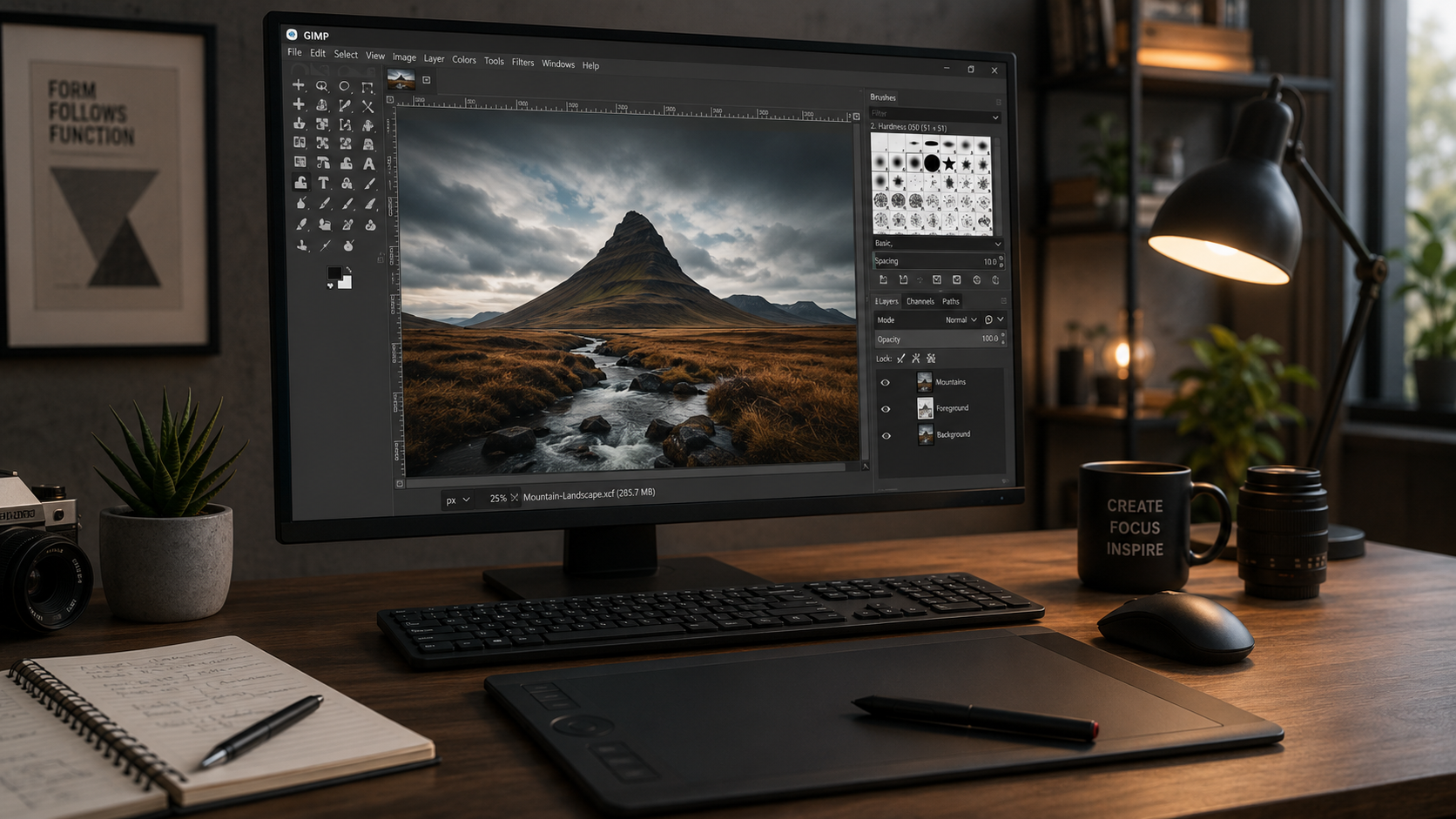
GIMP là phần mềm chỉnh sửa ảnh miễn phí mạnh nhất — thay thế Photoshop cho 80% use case thường. Mã nguồn mở, không watermark, hỗ trợ PSD layer, 1000+ plugin G'MIC. Bài này cover benchmark vs Photoshop, setup workflow cho designer VN, 10 plugin must-have, và migration guide khỏi Adobe CC $54/tháng.
- 1GIMP 2026 — alternative Photoshop free cho 80% workflow›
- 2So sánh GIMP với Photoshop, Affinity Photo, Photopea›
- 310 plugin must-have cho GIMP 2026›
- 4Setup GIMP production 20 phút — cho designer VN›
- 55 workflow GIMP thực tế cho designer VN 2026›
- 6Khi nào GIMP không đủ, phải chuyển Photoshop›
- 7Câu hỏi thường gặp›
- 8Nguồn tham khảo›
GIMP 2026 — alternative Photoshop free cho 80% workflow
GIMP là phần mềm chỉnh sửa ảnh miễn phí mạnh nhất 2026 — thay thế Photoshop cho hầu hết use case cá nhân + freelance designer + content creator. Mã nguồn mở (GPL), 25+ năm phát triển, 15 triệu active users. Hỗ trợ đầy đủ: layer, mask, channel, path, filter, script automation. Mở được PSD của Photoshop (giữ layer structure). Nhược điểm: CMYK qua plugin (không native), UI cũ hơn Photoshop, không có Generative Fill AI. Nhưng với designer VN budget thấp, GIMP + vài plugin = 90% Photoshop với $0. v3.0 ra 2026-Q2 sẽ có UI modern + GEGL non-destructive full.
So với Adobe Photoshop $21/tháng ($252/năm) + Creative Cloud $54/tháng ($648/năm), GIMP $0 tiết kiệm đáng kể. Theo khảo sát CreativeBloq 2026, 45% freelance designer trẻ (< 5 năm kinh nghiệm) bắt đầu với GIMP trước khi upgrade Photoshop khi có budget.
Bài này dành cho: designer mới học, freelancer, content creator VN, student không có budget Adobe. Không dành cho: pro photographer dùng CMYK production nhiều, dev VFX cần full Adobe ecosystem (After Effects + Premiere + Photoshop).
So sánh GIMP với Photoshop, Affinity Photo, Photopea
| Tiêu chí | GIMP | Photoshop | Affinity Photo | Photopea |
|---|---|---|---|---|
| Giá | Free | $21/tháng | $170 one-time | Free / $5/tháng Pro |
| Platform | Win/Mac/Linux | Win/Mac | Win/Mac/iPad | Browser (web) |
| PSD support | ⭐⭐⭐⭐ | ⭐⭐⭐⭐⭐ | ⭐⭐⭐⭐⭐ | ⭐⭐⭐⭐ |
| Layer system | ⭐⭐⭐⭐ | ⭐⭐⭐⭐⭐ | ⭐⭐⭐⭐⭐ | ⭐⭐⭐⭐ |
| AI features | ⚠️ Plugin | ✅ Firefly built-in | ⚠️ Limited | ⚠️ |
| CMYK native | ❌ Plugin | ✅ | ✅ | ✅ |
| Non-destructive | ⚠️ v3.0 | ✅ | ✅ | ✅ |
| Learning curve | Medium | High | Low | Low |
| Community tutorials | ⭐⭐⭐⭐ | ⭐⭐⭐⭐⭐ | ⭐⭐⭐ | ⭐⭐ |
Khi nào chọn cái nào: - GIMP: budget $0, use case personal/web graphic, linux user. - Photoshop: pro designer/photo retoucher, CMYK printing, cần Adobe ecosystem. - Affinity Photo: $170 one-time (không subscription) → alternative tốt nhất Photoshop budget thấp hơn. - Photopea: quick edit online, không cần cài, chrome-based.
Xem thêm ImgTools — tool online miễn phí cho compress/convert/resize ảnh nhanh không cần GIMP.
10 plugin must-have cho GIMP 2026
GIMP base khá good nhưng plugin là lý do chính khiến gần với Photoshop:
- 1 G'MIC — 1000+ filter + effect. Noise reduction, portrait retouch, artistic effect. Tải gmic.eu/download.html. Must-have.
- 2 Resynthesizer — Content-Aware Fill (remove object). Photoshop's killer feature trong GIMP.
- 3 Liquid Rescale — Content-aware resize (ngang khác ratio mà không stretch subject).
- 4 BIMP (Batch Image Manipulation Plugin) — xử lý ảnh hàng loạt (resize 500 ảnh, convert format, watermark).
- 5 Script-Fu + Python-Fu console — viết script tự động (built-in). Automation cho workflow repetitive.
- 6 Darktable (standalone, companion) — RAW processor tốt hơn GIMP RAW plugin.
- 7 Layer Groups + Color Picker — enhance UX mặc định.
- 8 FX Foundry — preset collection cho portrait + landscape enhancement.
- 9 Text Tool Enhancement — text editing better, font management.
- 10 Separate+ — CMYK export qua Ghostscript (cho in ấn).
Install plugin: Edit → Preferences → Folders → Plug-Ins → đặt plugin vào folder đó → restart GIMP.
Setup GIMP production 20 phút — cho designer VN
- 1 Tải GIMP (3 phút): gimp.org/downloads. Windows installer ~300MB, Mac DMG, Linux apt. Cài 'Typical' setup.
- 2 Switch sang UI theme dark + icon (1 phút): Edit → Preferences → Theme → Dark. Icon Theme → Symbolic-Inverted (trông modern hơn).
- 3 Install G'MIC (5 phút): Tải gmic.eu/download.html. Cài vào plugin folder. Restart GIMP → Filters → G'MIC-Qt.
- 4 Install Resynthesizer + BIMP (5 phút): Tải từ GitHub hoặc GIMP plugin registry. Copy vào plugin folder.
- 5 Config workspace cho Web design (3 phút): Windows → Dockable Dialogs → thêm 'Layers', 'Channels', 'Paths', 'Colors', 'Tools'. Save workspace: Windows → Recently Closed Docks.
-
6
Import brush + gradient Photoshop (3 phút): GIMP support .abr (Photoshop brush) và .grd (gradient). Copy vào
~/.config/GIMP/2.10/brushes/và/gradients/.
GIMP mặc định có shortcut khác Photoshop — gây khó chuyển đổi. Install plugin 'PhotoGIMP' (GitHub) để biến UI + shortcut GIMP thành giống Photoshop 100%. Dev từ Brazil, free, easy install. Sau PhotoGIMP: Ctrl+J duplicate layer, B brush, V move — tất cả giống Photoshop.
5 workflow GIMP thực tế cho designer VN 2026
- 1 Thiết kế banner Facebook / Instagram post: Create canvas 1080x1080 (IG square) hoặc 1200x630 (FB post). Layer text + gradient background + icon. Export PNG optimized (File → Export As → PNG → 'optimize' tick). Workflow 15-30 phút/post.
-
2
Retouch portrait basic: Skin smooth qua G'MIC → 'Smooth (Perona-Malik)'. Remove blemish qua Heal tool (
H). Sharpen eye qua Unsharp Mask. White teeth + whites sáng hơn qua Curves trên Saturation channel. -
3
Logo design đơn giản: Path tool (
B) vẽ shape. Text với custom font. Export SVG qua plugin SVG Export. Workflow cho founder/SME VN tạo logo < 1h. - 4 Batch resize 500 ảnh website: Filters → Script-Fu → Console → run command batch resize. Hoặc dùng BIMP plugin: Filters → Batch Image Manipulation → add 500 images → Add action 'Resize'. Giảm size 5MB → 300KB mỗi ảnh.
- 5 Thiết kế thumbnail YouTube / Course: Canvas 1280x720. Layer photo subject (qua Fuzzy Select remove bg) + text bold + color block. Export JPG quality 90. Workflow 20 phút/thumbnail.
Xem bio, username, caption 2026 cho cách tối ưu profile social — GIMP hữu ích cho avatar + banner custom.
Khi nào GIMP không đủ, phải chuyển Photoshop
Cần chuyển Photoshop / Affinity Photo nếu: - Print design CMYK production: GIMP CMYK qua plugin, không smooth. Print shop VN thường yêu cầu PSD CMYK — Photoshop chuẩn. - Retouch pro portrait + wedding photography: Photoshop's Face-Aware Liquify, Neural Filters (Skin Smoothing AI) vượt GIMP. - Generative Fill AI: Photoshop Firefly tốt nhất thị trường. GIMP chưa có tương đương tốt. - Integration với Lightroom / InDesign / Premiere: Adobe ecosystem mượt. - Team collab với designer dùng PSD file phức tạp: GIMP mở PSD nhưng đôi khi smart object, adjustment layer mất. Dùng PS đảm bảo 100%.
Stay GIMP cho: - Freelance design web (social post, banner, thumbnail) — 90% workflow. - Edit ảnh cá nhân + family photo. - Graphic cho blog/website (Phần Mềm Tổng Hợp, personal blog). - Student + hobbyist — budget $0. - Batch processing automation (Python-Fu).
Start with GIMP (6-12 tháng) — học fundamental design. Khi productivity Photoshop đáng tiền ($21/tháng) + có client pay cho Photoshop skill → upgrade. GIMP + Affinity Photo $170 one-time = $0/tháng subscription, đủ cho 90% freelance designer VN.