
DaVinci Resolve Free là video editor pro miễn phí mạnh nhất 2026 — Hollywood dùng (Deadpool, Avatar 2), 90% feature với $0. Thay thế Premiere Pro $23/tháng. Bài cover setup cho creator VN, edit workflow, color grade cơ bản, export YouTube 4K, so sánh với Premiere Pro + CapCut.
DaVinci Resolve 2026 — video editor free mạnh nhất
DaVinci Resolve của Blackmagic Design là video editor pro tốt nhất miễn phí 2026 — từ app color grading sang full NLE suite (Edit + Color + Fusion VFX + Fairlight audio + Cut trong 1 app). Miễn phí 90% feature. Dùng bởi Hollywood studio (Deadpool, Avatar 2, Dune), YouTube creator top (MKBHD, Linus Tech Tips). Cross-platform Windows/Mac/Linux. Studio Edition ($295 one-time) thêm: neural engine advanced, 10-bit HEVC, multi-GPU support, FairlightFX audio plugin full. Free version đủ cho 95% creator VN.
Hardware requirement: GPU 4GB VRAM minimum, 16GB RAM (32GB recommend cho 4K). Không chạy nổi trên laptop office cũ. Nếu rig yếu: dùng CapCut (free, nhẹ, enough cho social video) hoặc Shotcut (open-source free, lightweight).
DaVinci Resolve vs Premiere Pro vs Final Cut vs CapCut
| Tiêu chí | DaVinci Resolve Free | Premiere Pro | Final Cut Pro | CapCut |
|---|---|---|---|---|
| Giá | Free | $23/tháng | $300 one-time | Free / $8/tháng Pro |
| Platform | Win/Mac/Linux | Win/Mac | macOS only | Win/Mac/Mobile |
| Target | Pro NLE + Color | Pro NLE | Pro Mac | Social creator |
| Color grading | ⭐⭐⭐⭐⭐ Best | ⭐⭐⭐⭐ | ⭐⭐⭐⭐ | ⭐⭐⭐ |
| VFX | ⭐⭐⭐⭐⭐ Fusion | ⚠️ After Effects | ⭐⭐⭐⭐ Motion | ❌ |
| Audio | ⭐⭐⭐⭐⭐ Fairlight | ⭐⭐⭐⭐ | ⭐⭐⭐⭐ | ⭐⭐ |
| Learning curve | High | Medium | Low | Very low |
| Hardware | Demanding | Medium | Medium | Low |
Recommend 2026: - Creator YouTube long-form + quality cao: DaVinci Resolve Free. - Social video Reels/TikTok speed: CapCut (nhanh, mobile sync). - Mac user pro: Final Cut Pro $300 one-time. - Team + Adobe ecosystem: Premiere Pro $23/tháng.
Workflow DaVinci Resolve 30 phút — từ import đến export YouTube
- 1 Tải + install (10 phút): blackmagicdesign.com/products/davinciresolve. Free Edition sau register email. Installer 3GB, cài 10-15 phút.
- 2 Tạo Project (2 phút): New Project → resolution 1920x1080 50fps (YouTube VN) hoặc 2160p 30fps (4K).
- 3 Import footage (2 phút): Media page → drag file vào Media Pool. DaVinci tạo proxy low-res nếu footage 4K cho edit mượt.
-
4
Edit (10 phút): Edit page → drag clip lên timeline → cut
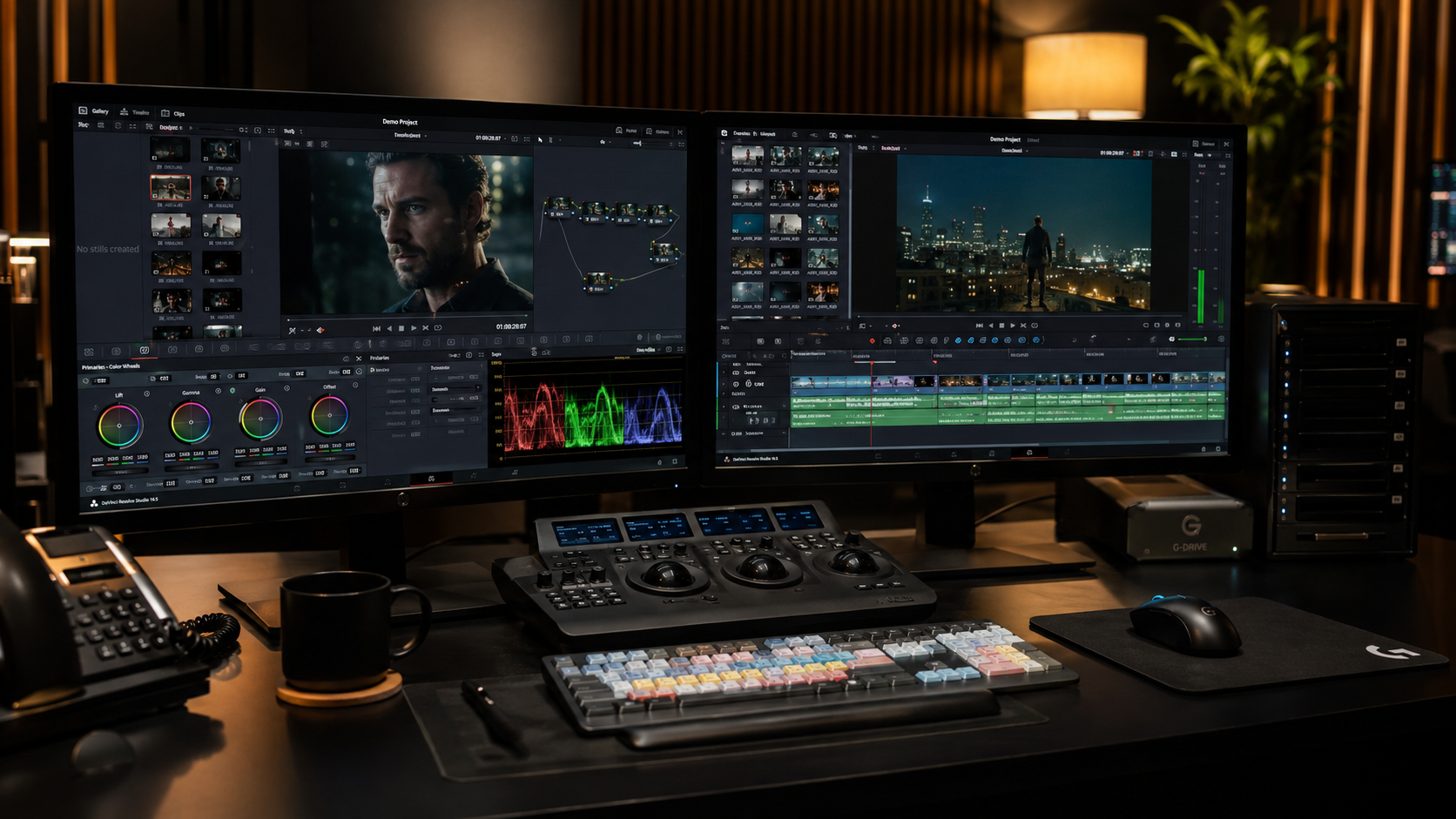
Ctrl+Bhoặc Blade tool (B) → rearrange → add transitions (Dissolve) + text (Effects > Titles). - 5 Color grade quick (3 phút): Color page → primary wheel → adjust Lift (bóng), Gamma (midtone), Gain (sáng). LUT preset: Effects > Color Space Transform → REC709 Gamma 2.4 cho YouTube. Magic Mask + Voice Isolation (AI) nếu cần.
- 6 Audio polish (2 phút): Fairlight page → normalize audio dialog -14 LUFS (YouTube standard) → noise reduction → EQ voice range.
- 7 Export (1 phút): Deliver page → preset 'YouTube 1080p' / 'YouTube 4K' → Render → file MP4 H.264 ready upload.
4K footage Edit trực tiếp lag trên rig trung bình. Generate proxy: Media page → right-click clip → 'Generate Proxy Media' 1/4 resolution. Edit mượt với proxy, final render dùng source. Tiết kiệm 50% thời gian.